
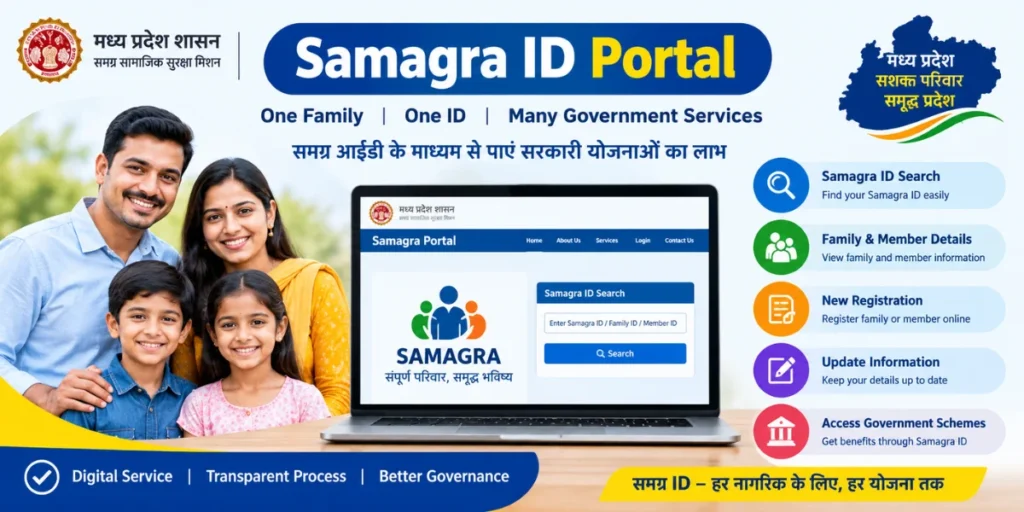
The Samagra ID Portal is an online platform developed by the Government of Madhya Pradesh to provide various government services and welfare benefits to residents through a unified identification system. The portal helps maintain information about families and individual members and is widely used for accessing different government schemes and services.
A Samagra ID is generally required when applying for or receiving several government benefits in Madhya Pradesh. Citizens can use the portal to check their Samagra ID, search family or member details, and access other related services online.
What is Samagra ID Portal?
The Samagra ID Portal is an important digital platform for residents of Madhya Pradesh. It operates through the Samagra Social Security Mission and maintains records of families and their individual members.
The system mainly uses two types of identification:
- Family Samagra ID: A unique ID assigned to a registered family.
- Member Samagra ID: A unique ID assigned to each individual member of the family.
These IDs help government departments identify eligible beneficiaries and provide welfare services more efficiently. Instead of repeatedly submitting the same personal and family information for different schemes, registered information can be used for verification.
What is Samagra ID?
A Samagra ID is a unique identification number associated with residents registered in the Samagra system. It is commonly used by citizens while applying for various government schemes, scholarships, pensions, and other social-security-related services in Madhya Pradesh.
The Family Samagra ID identifies the entire family, while the Member Samagra ID identifies a particular person within that family.
Citizens should keep their Samagra ID details safe because the number may be requested while completing applications for eligible government services.
Types of Samagra ID
The Samagra system mainly provides two identification numbers.
Family Samagra ID
A Family Samagra ID is issued to a household registered in the Samagra database. It helps connect all eligible family members under one family record.
Member Samagra ID
A Member Samagra ID is provided to an individual member of a registered family. Each member can have a separate ID linked with the family record.
Both IDs can be useful for verification when accessing government services.
Main Services Available on Samagra Portal
The Samagra ID Portal provides several online facilities related to citizen and family records. Depending on the service and current portal functionality, users can access facilities such as:
- Samagra ID search
- Family ID search
- Member ID search
- Family member details
- Samagra profile information
- New family registration
- New member registration
- Updating certain details
- Checking Samagra-related information
- Accessing information required for government schemes
The availability of specific services may change as the government updates the portal.
How to Search Samagra ID Online
Citizens who have forgotten their Samagra ID can use the online search facility to find their information.
A general process is:
- Visit the official Samagra portal.
- Open the relevant Samagra ID Search option.
- Select the appropriate search method.
- Enter the requested information.
- Complete any verification required by the portal.
- Submit the details.
- Check the displayed family or member information.
Depending on the search option available, users may be able to search using details such as family information, member information, or other registered details.
How to Register on Samagra Portal
If a family is not already registered in the Samagra system, eligible residents may be able to initiate registration through the available online or assisted process.
Generally, registration involves providing information about the family and its members. Details may include names, dates of birth, address, and other information required for verification.
After submitting the information, applicants should carefully check the entered details. Incorrect information can create problems when the Samagra ID is later used for government services.
In some cases, registration or correction may also require assistance from a local government office or authorized official.
How to Check Samagra Family Details
The portal can also be used to view information associated with a registered family. Users can search for their family record and review the available member information.
It is important to check whether names, dates of birth, gender, and other relevant information are correctly recorded. If any information is incorrect, users should follow the appropriate correction procedure provided by the concerned authority.
Keeping Samagra records updated can be useful when applying for government schemes and services.
Importance of Samagra ID for Government Schemes
Samagra ID plays an important role in the delivery of several welfare and social-security services in Madhya Pradesh. Government departments can use the database to identify beneficiaries and verify information.
A Samagra ID may be requested for services related to areas such as:
- Scholarships
- Social security pensions
- Welfare schemes
- Student-related services
- Assistance programs
- Other government benefits
However, requirements vary from one scheme or service to another. Therefore, applicants should always check the specific eligibility and document requirements before submitting an application.
Benefits of Using Samagra ID Portal
The Samagra portal provides several practical benefits for citizens and government departments.
Easy Online Access
Citizens can access many Samagra-related services online without visiting an office for every basic information request.
Centralized Information
Family and member information can be maintained within a centralized system, making verification easier for participating government services.
Helpful for Welfare Schemes
The Samagra ID can help connect eligible residents with government welfare programs where it is required as part of the application or verification process.
Reduced Paperwork
Digital records can reduce the need to repeatedly provide the same basic information for different services.
What to Do If Samagra Details Are Incorrect?
If you discover an error in your Samagra record, you should use the correction facility available on the official portal, if applicable. For changes that cannot be completed online, you may need to contact the relevant local government office or authorized Samagra service provider.
Keep supporting documents ready if they are required to verify the requested correction.
Samagra ID Portal Login
Some portal services may require users or authorized operators to log in before accessing particular features. Users should enter their credentials only on the official government portal and avoid sharing passwords, OTPs, or other confidential information with unknown individuals.
For public services that do not require login, citizens should use the relevant search or information option provided on the portal.
Important Tips for Samagra ID Users
While using the Samagra ID Portal, keep the following points in mind:
- Always use the official government website.
- Check personal and family information carefully.
- Keep your Samagra ID safely recorded.
- Do not share OTPs or passwords with strangers.
- Verify information before submitting an application.
- Use valid documents when requesting corrections.
- Contact the concerned authority if an online request cannot be completed.
Conclusion
The Samagra ID Portal is an important digital initiative for residents of Madhya Pradesh. It provides a centralized system for maintaining family and individual records and supports the identification and verification of beneficiaries for various government services.
Through the portal, citizens can search for their Family Samagra ID, Member Samagra ID, check available details, and use other Samagra-related facilities. Keeping the information accurate and updated can make it easier to access services for which Samagra ID is required.
For the latest procedures, eligibility requirements, and available services, users should rely on the official Samagra portal and instructions issued by the Government of Madhya Pradesh.